Integration of the Virtual PBX with Microsoft Teams
Microsoft Teams is a service for internal company communication (chats, calls, conferences) that replaced Skype for Business.
Integrate MS Teams with the Virtual PBX to make working with calls even more convenient. You won’t need to purchase any additional equipment, and our technical support will perform all the necessary configuration for you.
Integration Features
1. Calls from the Virtual PBX are routed to Microsoft Teams
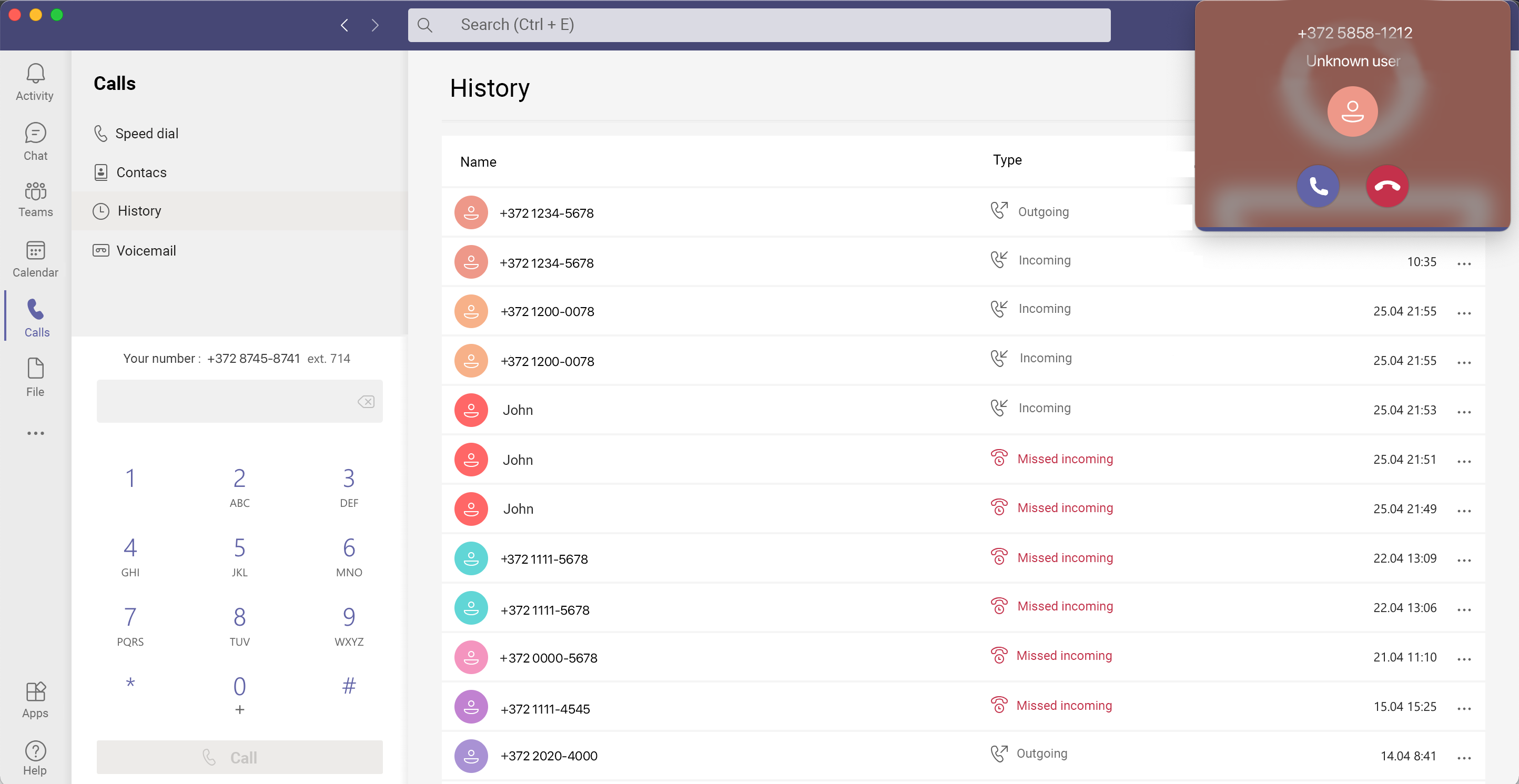
Now your employees’ calls will arrive not only on IP phones but also in the Microsoft Teams application. Use Microsoft Teams as a SIP softphone for your Virtual PBX.
During a call, you can place calls on hold and transfer them:
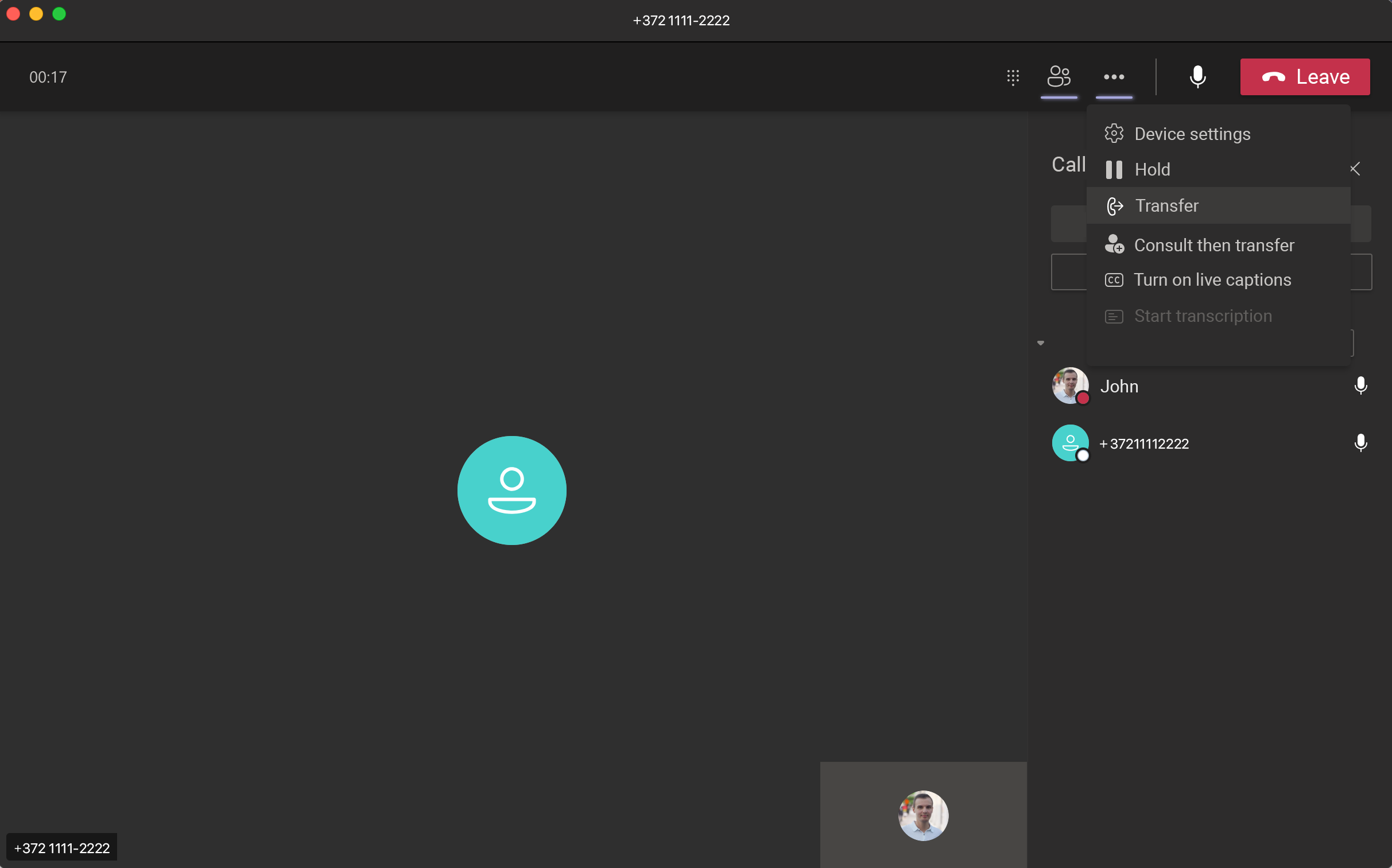
All functionality works both in the desktop version of Teams and on smartphones.
2. Integration of Teams with your CRM
Want to make calls from Teams and see all call information appear in your CRM? After integration, all calls from Teams will be automatically sent to your CRM.
3. Calls between Teams users and the Virtual PBX
Some employees in your company may not use Microsoft Teams but still have a Virtual PBX account. After integration, Virtual PBX and Teams users are combined into a single numbering plan. You will be able to call from Teams to the short number of a PBX user and vice versa.
4. Audio conferencing with external participants
By default, Teams allows audio conferences only with internal Teams users. After integration, you will be able to connect PBX users via short numbers as well as your clients via external numbers.
5. Call recording for Teams users
If a Teams user calls a client or receives a call, the recording will be available for playback in the mobile PBX app or in the Call History of the web interface.
6. Connecting your IP PBX
If you have an on-premises PBX (e.g., Avaya, Panasonic, Asterisk, etc.), you can integrate it with Microsoft Teams using our service as well.
How to set up integration between MS Teams and the Virtual PBX
1. Your MS Teams must have the Phone System license available. For testing purposes, request a free demo version from your Microsoft licensing provider.
2. Contact technical support. In your message, specify the following information:
- The address or number of your Virtual PBX.
- Whether you have Phone System licenses.
- How many Virtual PBX users should be integrated with Microsoft Teams (those who will have accounts both in the PBX and in Teams).
- If you need audio conferencing functionality, licensing is based on the number of lines. Please specify how many lines you require (we recommend starting with 3 lines).
3. After receiving the required information from you, technical support will configure the integration of your Teams with the Virtual PBX.
Frequently Asked Questions
– I heard that to integrate with Teams you need to purchase an SBC
You do not need to purchase anything additional to connect to our service. The Virtual PBX contains all the necessary components for direct integration with Microsoft Teams.
– How much does the integration cost?
We were the first in Russia to offer integration of the Virtual PBX with Microsoft Teams. Today, we are the only vendor offering this on a subscription-based model.
The advantage of our service is the absence of capital expenses. The only thing you need to pay for monthly is the required number of licenses. You can increase or decrease the number of licenses at any time.
– How much will calls from Microsoft Teams cost?
Call charges are billed according to your usual telecom operator rates.
– I would like to test it
We are ready to discuss a pilot of our new integration with you individually.